ZPL Viewer for Zebra Labels
Paste raw ZPL, try sample templates, and verify thermal output before printing.
ZPL Viewer FAQ
Troubleshooting help for blank previews, barcode rendering, and printer output mismatches.
Printer DPI, darkness, media calibration, and firmware differences can all affect final print output. Use preview as a fast validation step before device testing.
The preview targets 203 DPI in a 4x6 label context, which fits many standard shipping printer setups.
Yes. Standard barcode and QR-related ZPL commands can be previewed to validate placement and readability before printing.
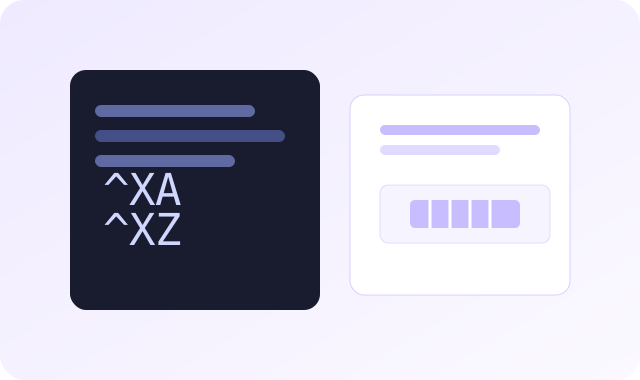
Check for missing
^XA/^XZ, coordinates outside label bounds, malformed commands, or unsupported syntax.No persistent storage is created by default. The content is processed for preview generation and returned to your session.